#1 LG 27UP850K-W 27" UHD 4K IPS Monitor
- 27-inch 4K IPS panel with DCI-P3 95% colourSource: LG Australia, 9 Nov 2026
- USB-C with 90 W chargingSource: LG Australia, 9 Nov 2026
- Height, tilt and pivot standSource: LG Australia, 9 Nov 2026
Our top 3, compared on the specs that matter.
 Thex’s quick pick
LG 27UP850K-W 27" UHD 4K IPS Monitor. Best for sharp detail. Best laptop dock monitor: the Samsung. Best budget: the Lenovo.
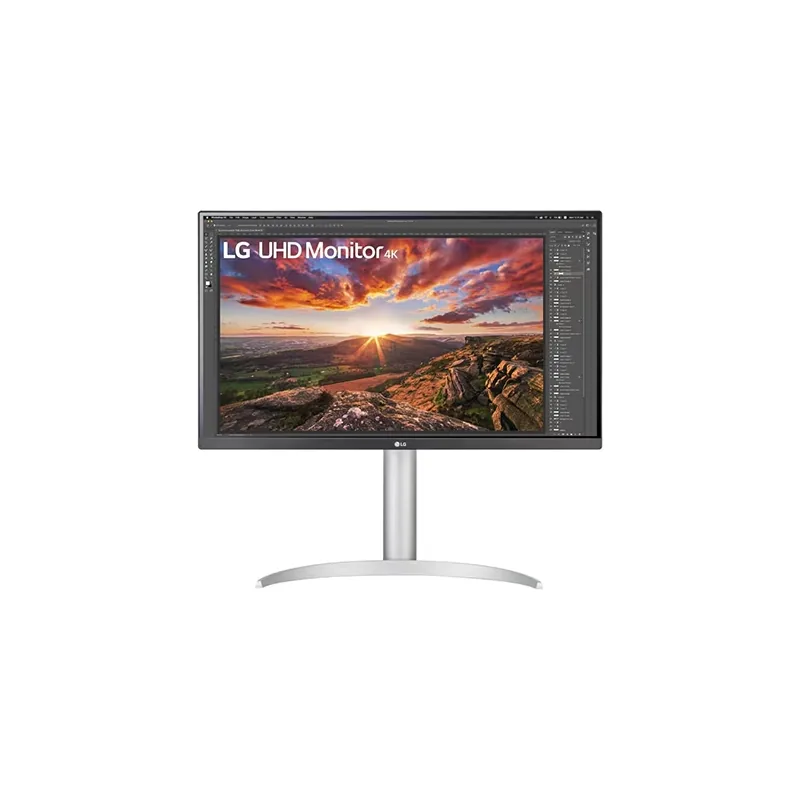
LG
The sharpest screen here. A 27-inch 4K IPS panel with DCI-P3 95% colour suits photos, design and spreadsheets alike. One USB-C cable carries video and 90 W of laptop charging, and the stand adjusts for height, tilt and pivot.
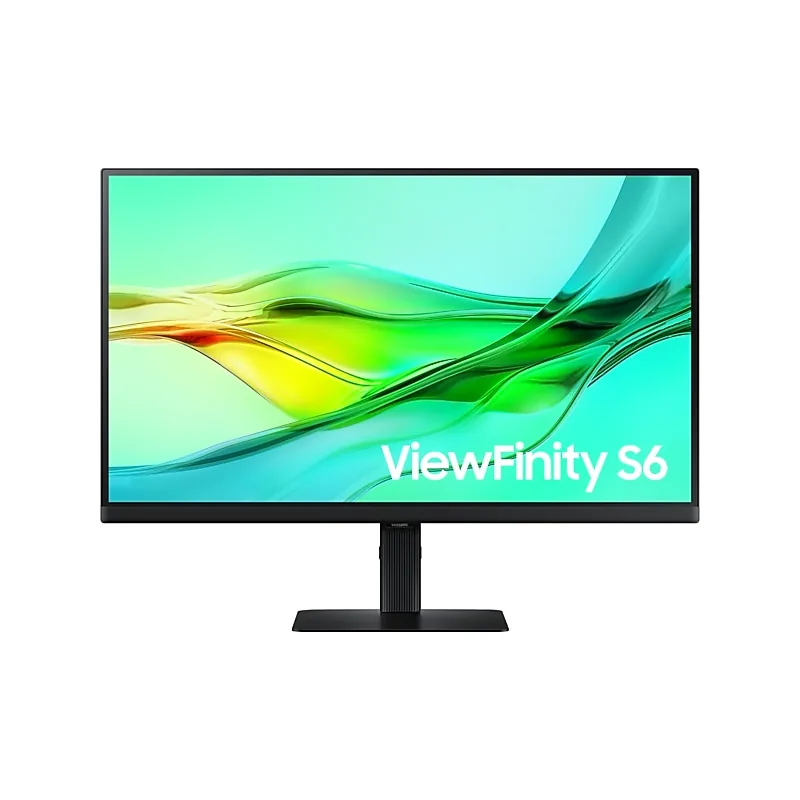
Samsung
Built for a laptop desk. One USB-C cable gives video, data and 90 W of charging, the LAN port adds wired internet, and the KVM switch lets one keyboard and mouse run two computers. QHD at 100 Hz on a 27-inch IPS panel.
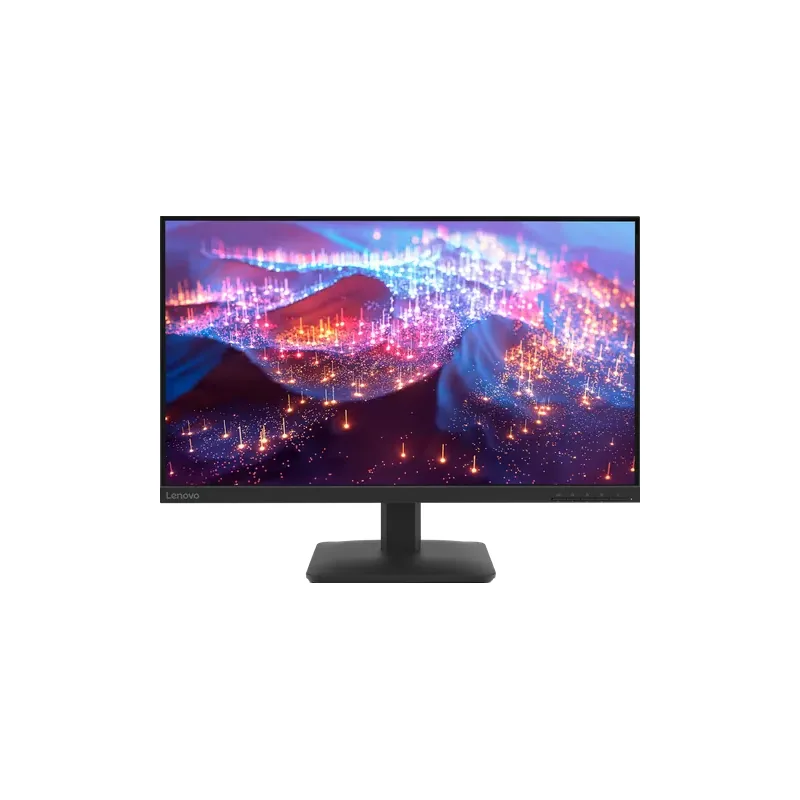
Lenovo
A big, clean screen for everyday work at a low price. The 27-inch IPS panel runs at 100 Hz for smooth scrolling and covers 99% sRGB. HDMI and VGA connect almost any PC. Full HD looks softer than the others at this size.
Side by side
| Spec | #1 LG | #2 Samsung | #3 Lenovo |
|---|---|---|---|
| Best for | Best for sharp detail | Best laptop dock monitor | Best budget |
| Screen | 27" IPS | 27" IPS | 27" IPS |
| Resolution | 4K (3840 × 2160), 60 Hz | QHD (2,560 × 1,440), 100 Hz | Full HD, 100 Hz |
| USB-C power | 90 W | 90 W | — |
| Colour | DCI-P3 95%, HDR 400 | — | 99% sRGB |
| Stand | Height, tilt, pivot | Height, tilt, pivot | — |
| Speakers | 5 W × 2 | — | — |
| Ports | — | LAN port, KVM switch | HDMI 1.4, VGA |
| Brightness | — | — | 300 cd/m² |
| Buy | See today's price at Amazon | See today's price at Amazon | See today's price at Amazon |
The details
Amazon links are affiliate links. As an Amazon Associate I earn from qualifying purchases. Commission never affects rankings.
Buying guide
For work, a 27-inch monitor is the sweet spot. The main choices are resolution and whether one USB-C cable can connect and charge your laptop.
4K (3840 × 2160) gives the crispest text and photos. QHD (2,560 × 1,440) is a good middle ground. Full HD is fine for budget setups.
A monitor with USB-C power can charge your laptop and carry the picture through one cable. Both the LG and Samsung picks deliver 90 W.
Height, tilt and pivot adjustment help you sit with good posture. Budget monitors often tilt only.
100 Hz feels smoother than 60 Hz for scrolling and casual games.
Our top pick is the LG UltraFine 27UP850K-W. It is a 27" 4K IPS screen with 90 W USB-C power, DCI-P3 95% colour and a height, tilt and pivot stand.
The Samsung ViewFinity S6 S60UD. It has 90 W USB-C power, a LAN port and a KVM switch, so it works as a dock for your laptop.
The Lenovo L27-4e. It is a 27" Full HD IPS screen at 100 Hz with 99% sRGB colour.
If you work with text, photos or spreadsheets all day, yes. Text looks noticeably sharper than on Full HD.
Price alerts
We’ll email you when one of these monitors drops in price or a new pick takes its place.
How we pick
Every spec comes from the maker or a major retailer, and each one shows where it came from and when.
Prices are checked and dated, and refreshed or removed when they go stale. Amazon shows today’s price on its own page.
Picks are ranked on what you get for the money. Who pays a commission has no say in the order.
Ask Thex
Tell Thex what matters most to you: space, budget or how you’ll use it. Thex answers from the facts on this page.
AI guide. Answers from checked facts.
Thex is an AI. Don't share card numbers or passwords; contact details are hidden automatically.
Compare is free. Amazon links are affiliate links: as an Amazon Associate I earn from qualifying purchases, at no extra cost to you. Commission never affects rankings. Disclosures