Buying guide
How to choose label printers
Label printers fall into two types: tape printers for filing, cables and shelves, and thermal printers for shipping and address labels.
Tape for organising
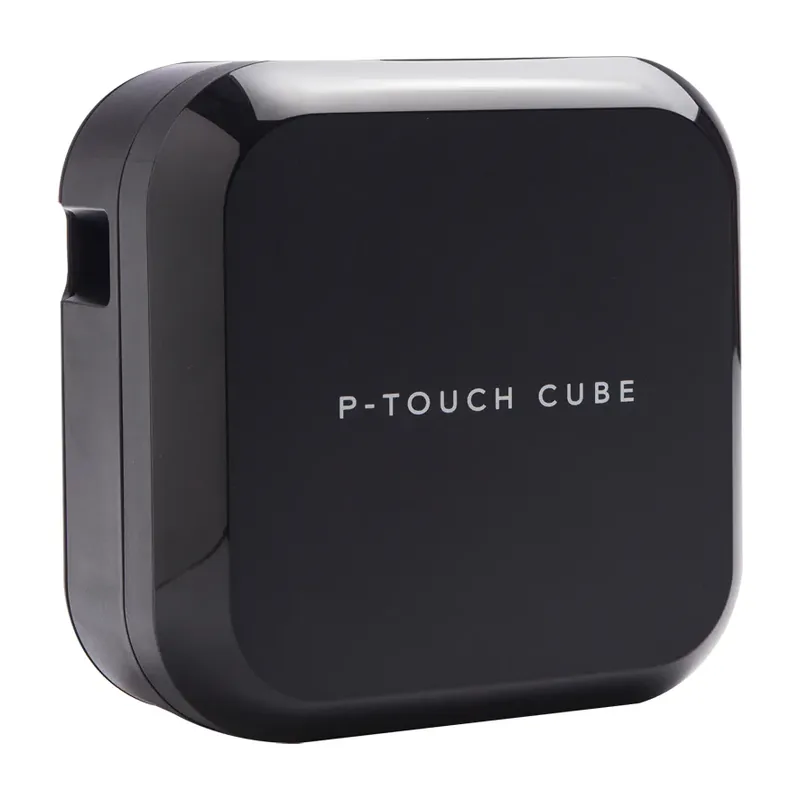
Tape printers like the Brother P-touch range print durable laminated labels from 3.5 to 24 mm wide.
Thermal for shipping
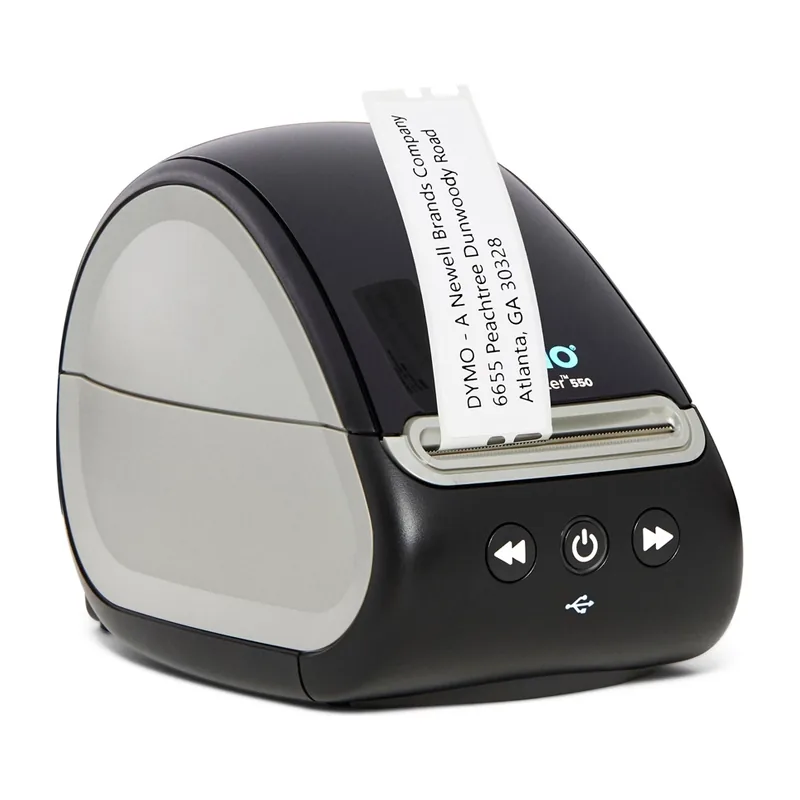
Direct thermal printers like the DYMO LabelWriter 550 need no ink, which keeps running costs down for address and shipping labels.
Phone, computer or keyboard
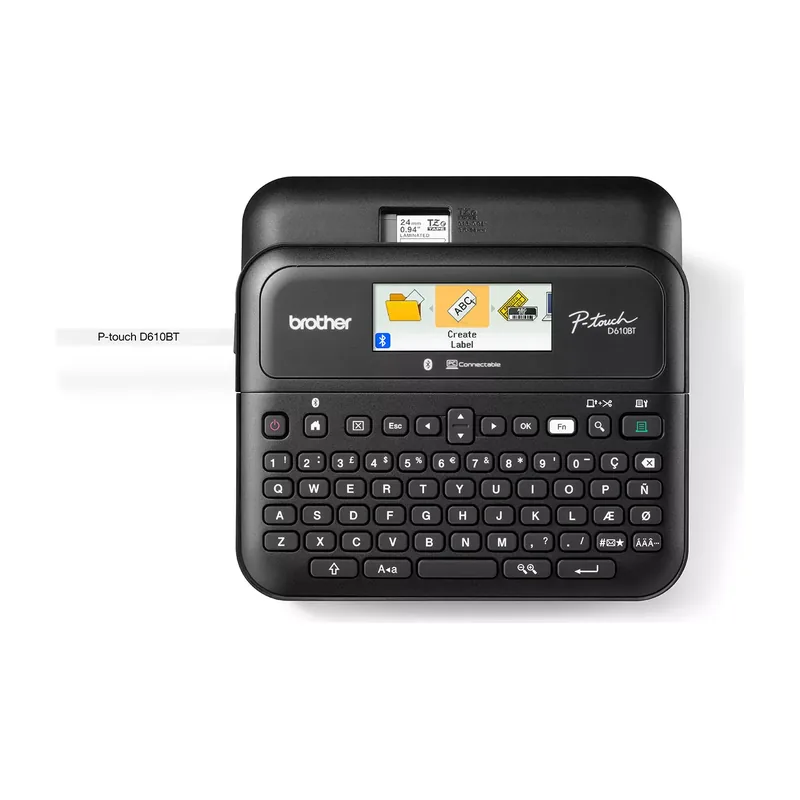
Bluetooth models print from a phone app. A built-in keyboard, like the PT-D610BT's, lets you print without any device.
Check label costs
Each printer uses its own label type. Factor the ongoing label cost into your choice.
What is the best label printer in Australia?
Our top pick is the Brother P-touch Cube Plus (PT-P710BT). It prints from your phone over Bluetooth or USB, takes 3.5 to 24 mm TZe tapes and has a 3-year warranty.
What is the best label printer for shipping?
The DYMO LabelWriter 550. It is direct thermal, so it never needs ink, and it shows how many labels are left.
Which label printer is best for an office?
The Brother PT-D610BT. It has a keyboard, a colour LCD and an auto cutter, and prints at 30 mm/sec.
Do label printers need ink?
Tape and thermal label printers don't use ink cartridges. Tape printers use laminated tape cassettes; thermal printers use heat-sensitive labels.